Quick answer
What to do first
Expect a risk phase after the catch, follow the visible prompt, and practice on reachable targets. Repeated input or movement appears in gameplay footage, but the current device prompt comes first.
Recognize the shark-risk phase, follow the current prompt, practice on nearer catches, and recover from repeated losses.
Expect a risk phase after the catch, follow the visible prompt, and practice on reachable targets. Repeated input or movement appears in gameplay footage, but the current device prompt comes first.
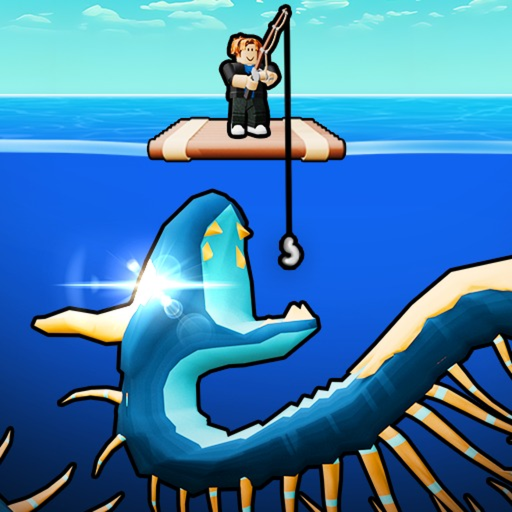
The official description makes the shark a bridge between fishing and the island economy. Pulling a fish is not the end: the player must secure it before it can be placed and earn money.
Use the current game screen when a prompt or number differs, and change only one variable during a test.
Keep watching the interface when the reel-in finishes.
Do not assume one fixed button across keyboard, touch, controller, or future updates.
Begin immediately and keep the catch moving toward safety.
If the catch is lost, note the device, prompt, target distance, and failure point.
Shorter attempts make it easier to repeat the escape sequence.
Test prompt timing, reach, or a current rod effect separately.
Tip: A repeated near-target success is better practice than one distant lucky escape.
Check whether the catch sequence finished and whether the UI is obscured.
Follow the current on-screen prompt; public footage may not match every device or update.
Practice nearer catches and improve reach before another long attempt.
Record the prompt and failure point, then change one input choice.
Device prompts can differ.
The shark phase can start before the catch is safe.
Long recovery time slows learning.
Only a secured, placed catch belongs in the island plan.
The shark stealing a catch is official. Repeated-input, movement, and speed observations come from exact-game footage; the current on-screen prompt is the safest control instruction.
The official description says a shark can steal the caught fish before it is secured.
Follow the current on-screen prompt. Footage suggests repeated input, but the exact control may vary.
Practice the same sequence on a nearer target and record the prompt and failure point.
One gameplay transcript connects speed and escape, but no official formula or threshold is available.